You created a website, added content, maybe even shared it on social media — but it still doesn’t appear on Google. This is one of the most common problems businesses face.
The truth is, websites don’t rank automatically. Google needs clear signals to understand your content, trust your site, and show it in search results.
Let’s break down the real reasons why your website is not ranking on Google and how you can fix them.
1. Your Website Is Not Properly Indexed
If your website is not indexed, it will never appear in search results.
Common issues:
- Website not submitted to Google
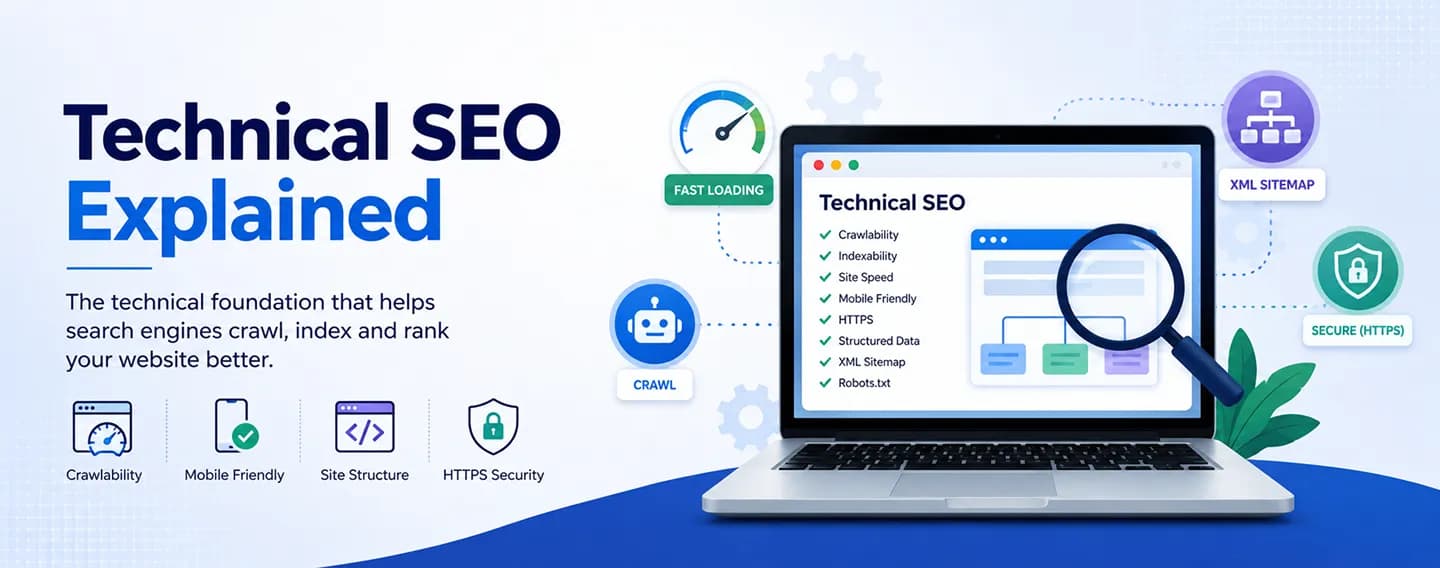
- Pages blocked by robots.txt
- No sitemap submitted
Solution:
- Submit your site to Google Search Console
- Check indexing status
- Fix crawl errors
2. Weak or Missing On-Page SEO
On-page SEO is the foundation of ranking.
Common mistakes:
- No proper meta titles or descriptions
- Missing headings (H1, H2)
- Poor keyword usage
- Unoptimized images
Fix:
- Use clear keywords
- Optimize titles and headings
- Structure content properly
3. Low-Quality or Thin Content
Google ranks content that provides real value.
Problems:
- Very short content
- Duplicate content
- No useful information
Fix:
- Write detailed, helpful content
- Focus on user intent
- Keep content original
4. No Backlinks or Authority
Backlinks act as trust signals for Google.
If your site has no backlinks:
- Google doesn’t trust it
- Ranking becomes difficult
Fix:
- Get links from trusted websites
- Use business directories
- Publish high-quality blogs
5. Website Speed Is Too Slow
Slow websites lose both users and rankings.
Reasons:
- Large images
- Poor hosting
- Too many scripts
Fix:
- Optimize images
- Use fast hosting
- Reduce unnecessary code
6. Website Is Not Mobile-Friendly
Most users search on mobile devices.
If your site is not mobile-friendly:
- Google ranks it lower
- Users leave quickly
Fix:
- Use responsive design
- Test on mobile devices
- Improve loading speed
7. No Local SEO Optimization
If you run a local business and don’t use local SEO, you won’t appear in “near me” searches.
Fix:
- Create and optimize Google Business Profile
- Use location-based keywords
- Add your business to local directories
8. Poor User Experience (UX)
Google tracks how users behave on your website.
If users:
- Leave quickly
- Don’t click anything
- Get confused
Your ranking drops.
Fix:
- Improve navigation
- Use clear layout
- Add proper call-to-actions
9. New Website (Lack of Trust)
New websites take time to rank.
Google needs time to:
- Crawl your site
- Understand your content
- Build trust
Solution:
- Stay consistent
- Keep publishing content
- Build backlinks
10. You Are Targeting High-Competition Keywords
Trying to rank for very competitive keywords can delay results.
Example: “SEO services” is very competitive.
Fix:
- Use long-tail keywords
- Target specific audiences
- Focus on niche topics
Final Thoughts
If your website is not ranking on Google, it’s usually due to a combination of small issues — not one big problem.
Focus on:
- Strong on-page SEO
- High-quality content
- Website speed and mobile optimization
- Backlinks and authority
With consistent effort, your rankings will improve over time.
If you want faster results, working with a professional SEO company or using expert SEO services can help you avoid mistakes and grow efficiently.