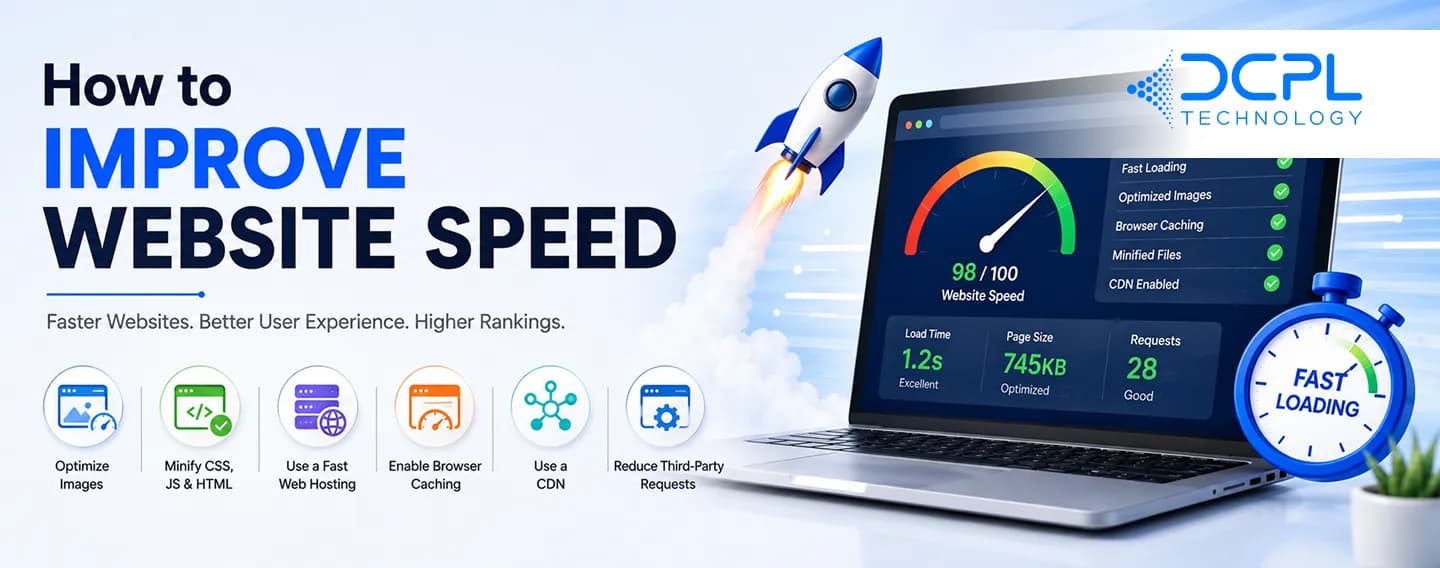
Website speed is one of the most important factors affecting user experience, SEO rankings, and conversions. Modern users expect websites to load within a few seconds. If your website is slow, visitors are likely to leave before even viewing your content.
Google also considers page speed as a ranking factor, which means a slow website can negatively impact your search engine visibility.
In this guide, you'll learn practical ways to improve website speed and provide a better experience for your visitors.
Why Website Speed Matters
A fast website helps:
- Improve user experience
- Increase conversion rates
- Reduce bounce rates
- Improve Google rankings
- Increase customer satisfaction
Studies show that even a one-second delay in page loading can reduce conversions and increase visitor drop-offs.
1. Optimize Images
Large image files are one of the most common causes of slow websites.
Best practices:
- Compress images before uploading
- Use modern formats like WebP
- Resize images according to display size
- Avoid uploading unnecessarily large images
Optimized images can significantly reduce page load time.
2. Choose Reliable Web Hosting
Your hosting provider directly affects website performance.
Look for hosting that offers:
- High uptime
- Fast server response times
- SSD storage
- Scalable resources
Cheap hosting may save money initially but often leads to poor website performance.
3. Enable Browser Caching
Browser caching stores website resources on a visitor's device.
Benefits:
- Faster loading on repeat visits
- Reduced server requests
- Better user experience
Caching is one of the easiest ways to improve website speed.
4. Minimize CSS, JavaScript, and HTML Files
Large code files increase loading times.
Optimization techniques:
- Remove unused code
- Minify CSS and JavaScript
- Reduce file sizes
- Combine files where possible
Cleaner code helps browsers load pages more efficiently.
5. Use a Content Delivery Network (CDN)
A CDN stores copies of your website across multiple servers worldwide.
Benefits:
- Faster content delivery
- Reduced server load
- Improved global performance
CDNs are especially useful for websites with visitors from different locations.
6. Reduce HTTP Requests
Every image, script, and stylesheet creates an HTTP request.
Too many requests slow down page loading.
To reduce requests:
- Limit unnecessary plugins
- Combine CSS and JavaScript files
- Remove unused resources
Fewer requests result in faster performance.
7. Enable GZIP Compression
GZIP compression reduces file sizes before they are sent to users.
Benefits:
- Faster page loading
- Lower bandwidth usage
- Improved performance
Most modern web servers support GZIP compression.
8. Optimize Database Performance
For dynamic websites, database optimization is important.
Maintenance tasks include:
- Removing unnecessary data
- Cleaning old records
- Optimizing database tables
A well-maintained database improves response times.
9. Use Lazy Loading
Lazy loading delays loading images and videos until users scroll to them.
Advantages:
- Faster initial page load
- Reduced bandwidth usage
- Better performance on mobile devices
This technique is particularly useful for content-heavy websites.
10. Limit Third-Party Scripts
Third-party services can slow down your website.
Examples include:
- Advertising scripts
- Social media widgets
- Tracking tools
- Chat applications
Only use essential third-party integrations.
11. Optimize for Mobile Users
Most website traffic now comes from mobile devices.
Mobile optimization should include:
- Responsive design
- Fast-loading pages
- Optimized images
- Simplified layouts
Mobile-friendly websites perform better in search results and improve user engagement.
12. Regularly Monitor Website Performance
Website optimization is not a one-time task.
Regularly check:
- Page speed
- Core Web Vitals
- Server response time
- Mobile performance
Continuous monitoring helps identify and fix performance issues quickly.
Common Website Speed Mistakes
Avoid these common problems:
- Uploading large image files
- Using too many plugins
- Choosing low-quality hosting
- Ignoring mobile optimization
- Not enabling caching
- Running excessive third-party scripts
Fixing these issues often results in immediate speed improvements.
Final Thoughts
Website speed plays a major role in SEO, user experience, and business growth. A fast website keeps visitors engaged, improves search rankings, and increases conversions.
By optimizing images, using quality hosting, enabling caching, minimizing code, and continuously monitoring performance, you can significantly improve your website's speed.
Investing time in website optimization today can lead to better traffic, more leads, and higher customer satisfaction in the long run.