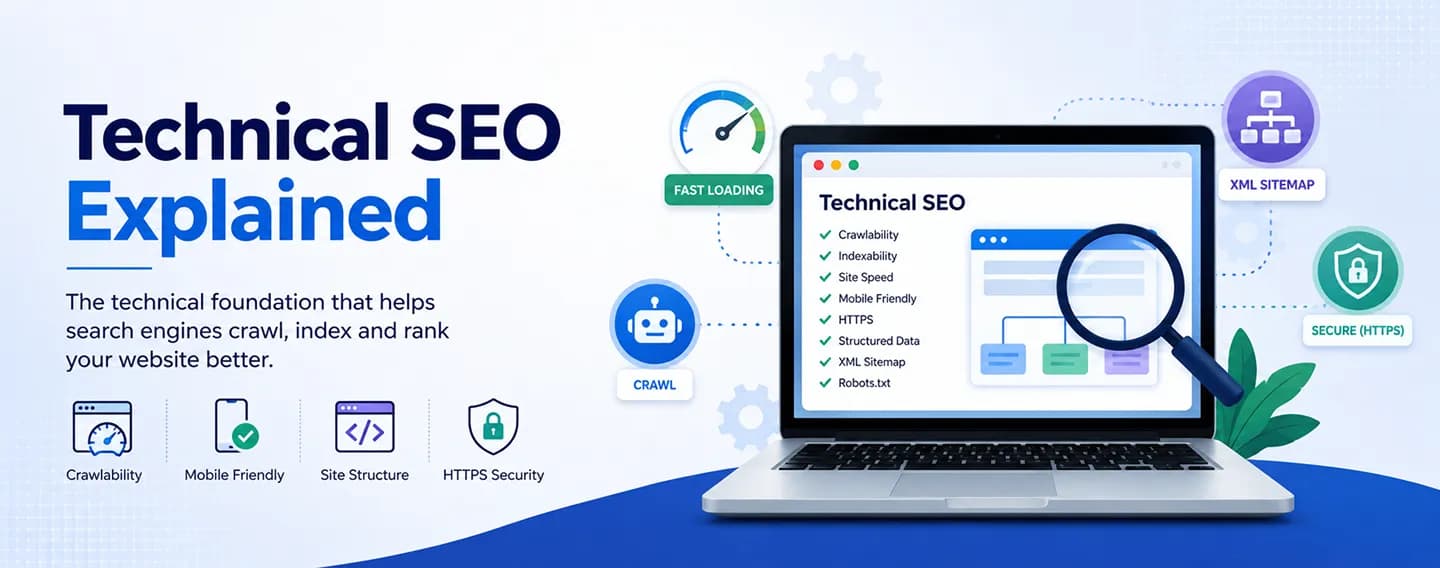
When people think about SEO, they often focus on keywords and content. While those are important, there's another essential part of SEO that works behind the scenes—Technical SEO.
Technical SEO helps search engines crawl, understand, and index your website efficiently. Even the best content may struggle to rank if your website has technical issues.
In this guide, you'll learn what technical SEO is, why it matters, and the most important elements you should optimize.
What Is Technical SEO?
Technical SEO refers to the process of optimizing your website's technical structure so search engines can easily crawl, index, and rank your pages.
Unlike content optimization, technical SEO focuses on your website's performance, architecture, and backend elements.
Its main goal is to make your website accessible for both users and search engines.
Why Is Technical SEO Important?
A technically optimized website offers several benefits:
- Faster website loading
- Better Google rankings
- Improved user experience
- Easier crawling and indexing
- Higher mobile usability
- Better website security
Without good technical SEO, even high-quality content may not achieve its full ranking potential.
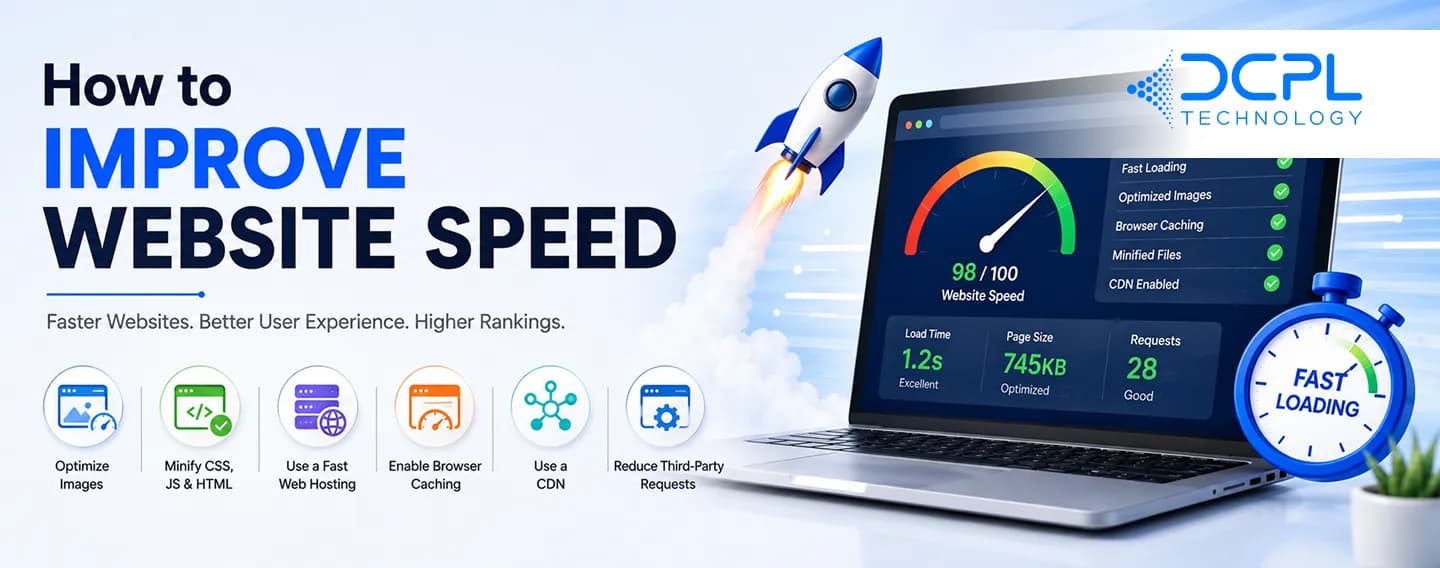
1. Improve Website Speed
Website speed is one of the most important technical SEO factors.
To improve speed:
- Compress images
- Minify CSS and JavaScript files
- Enable browser caching
- Use a Content Delivery Network (CDN)
- Choose reliable web hosting
A faster website improves both user experience and search rankings.
2. Make Your Website Mobile-Friendly
Google uses mobile-first indexing, meaning it primarily evaluates the mobile version of your website.
Ensure your website:
- Uses responsive design
- Loads quickly on mobile devices
- Has readable text
- Includes touch-friendly buttons
A mobile-friendly website is essential for SEO success.
3. Use HTTPS for Website Security
Website security is another ranking factor.
Installing an SSL certificate changes your website from HTTP to HTTPS, which:
- Protects user data
- Builds customer trust
- Improves search engine rankings
Visitors are more likely to trust secure websites.
4. Create an XML Sitemap
An XML sitemap helps search engines discover your pages.
A good sitemap:
- Lists important pages
- Updates automatically
- Excludes unnecessary pages
Submit your sitemap through Google Search Console to improve indexing.
5. Optimize Your Robots.txt File
The robots.txt file tells search engines which pages they can or cannot crawl.
Use it carefully to:
- Allow important pages
- Block duplicate or private content
- Prevent unnecessary crawling
Incorrect settings can accidentally block your website from search engines.
6. Fix Broken Links
Broken links create a poor user experience and waste crawl budget.
Regularly check for:
- 404 errors
- Broken internal links
- Broken external links
Replace or redirect broken links whenever possible.
7. Improve Website Structure
A clear website structure helps both users and search engines.
Best practices include:
- Logical navigation
- Clear categories
- Simple URL structure
- Internal linking
Well-organized websites are easier to crawl and understand.
8. Optimize URL Structure
SEO-friendly URLs should be:
- Short
- Descriptive
- Easy to read
- Keyword-focused
Example:
Good: example.com/technical-seo-guide
Avoid: example.com/page?id=12345
9. Use Structured Data (Schema Markup)
Schema markup provides additional information about your content to search engines.
It can improve visibility by generating rich results, such as:
- Reviews
- FAQs
- Products
- Business information
Structured data helps search engines better understand your website.
10. Eliminate Duplicate Content
Duplicate content can confuse search engines.
To avoid this:
- Create original content
- Use canonical tags
- Avoid duplicate URLs
Each page should provide unique value.
11. Monitor Crawl Errors
Google Search Console helps identify technical issues such as:
- Crawl errors
- Indexing problems
- Mobile usability issues
- Security warnings
Regular monitoring helps you fix problems before they affect rankings.
Common Technical SEO Mistakes
Many websites struggle because of these common mistakes:
- Slow loading pages
- Missing XML sitemap
- Broken links
- Duplicate content
- Poor mobile optimization
- Incorrect robots.txt settings
- Missing HTTPS
Avoiding these issues can significantly improve your website's SEO performance.
Final Thoughts
Technical SEO is the foundation of a successful website. It ensures that search engines can crawl, index, and understand your content while providing visitors with a fast and secure experience.
Although technical SEO works behind the scenes, it has a direct impact on rankings, traffic, and user satisfaction. Combining technical SEO with quality content and a strong SEO strategy gives your website the best chance of long-term success.