
Ask five companies about mobile app development cost in India and you may get five very different numbers for what you thought was the same app. That is not always because someone is overcharging. More often, each company has quietly imagined a different app — one with a simple admin screen, another with a full CRM, one for Android only, another for both platforms.
This guide does not give you a price list, because any range quoted without your requirements would be a guess. Instead it explains what actually drives the cost, so you can read quotes with a clear eye, cut scope where it makes sense, and get an estimate you can trust.
Why app quotes vary so much
An app is not a single product with a market price; it is a bundle of decisions. Every screen, rule, integration and platform adds design, development and testing work. Two apps that both “let users book an appointment” can differ enormously once you ask whether there are payments, reminders, staff calendars, cancellations, refunds and reports behind that button. Our short answer on what an app costs in India lists the main drivers; below we go into each one in more depth.
Platforms: Android, iOS or cross-platform
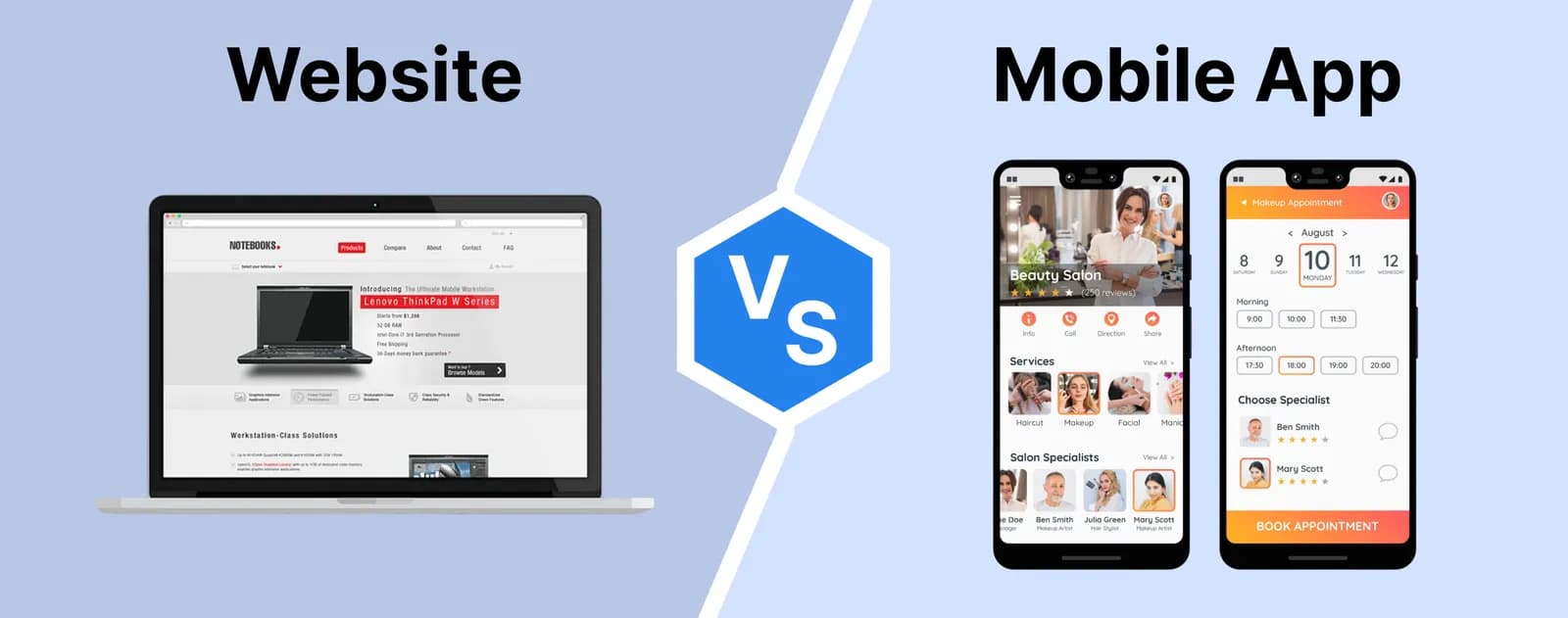
Building only for Android is often a reasonable first step for an Indian consumer audience, while business and export-facing apps frequently need iOS too. You have two ways to cover both:
- Native apps, built separately for each platform. They give the closest fit to each operating system and the most direct access to device hardware, but mean two codebases to build and maintain.
- Cross-platform apps, built with frameworks such as Flutter or React Native from one shared codebase. For most business apps this is the more economical route, with native code added only where a feature needs it.
Features and screens
Features are the biggest single cost driver. Login with OTP, user profiles, search and filters, chat, bookings, payments, push notifications, maps, document uploads, offline mode — each adds screens, logic and test cases. The cheapest feature is the one you postpone to version two.
A useful exercise is to list every feature and mark it “must have at launch” or “later”. If you are still shaping the idea, our guide on what to do after you have an app idea helps you get to that list.
Backend and admin panel
Most of an app’s work is invisible. Users, orders, listings and messages live on a server with a database and APIs the app talks to. Someone in your team also needs to manage all of it, which means a web-based admin panel with its own screens, permissions and reports.
Real projects show how large this layer can be. For RPoint, a real estate networking platform, we built the iOS and Android app along with a super-admin panel to manage users, property listings and platform analytics. For MyEstatePoint, the work included the mobile app’s backend APIs and an admin panel with role-based access, bulk Excel imports and exports, and a broker CRM.
Integrations with other systems
Each connection to an outside system adds work: payment gateways and UPI, SMS and WhatsApp messaging, maps and location, shipping partners, accounting software, or your existing ERP. Integrations also need testing against the other system’s sandbox and handling for the times it is slow or down. Cheaperzone, a wholesale platform, is an example of an app that is only one part of a connected system — its ordering app sits on top of an internal order management system, inventory and catalogue sync, and live order tracking.
Design depth
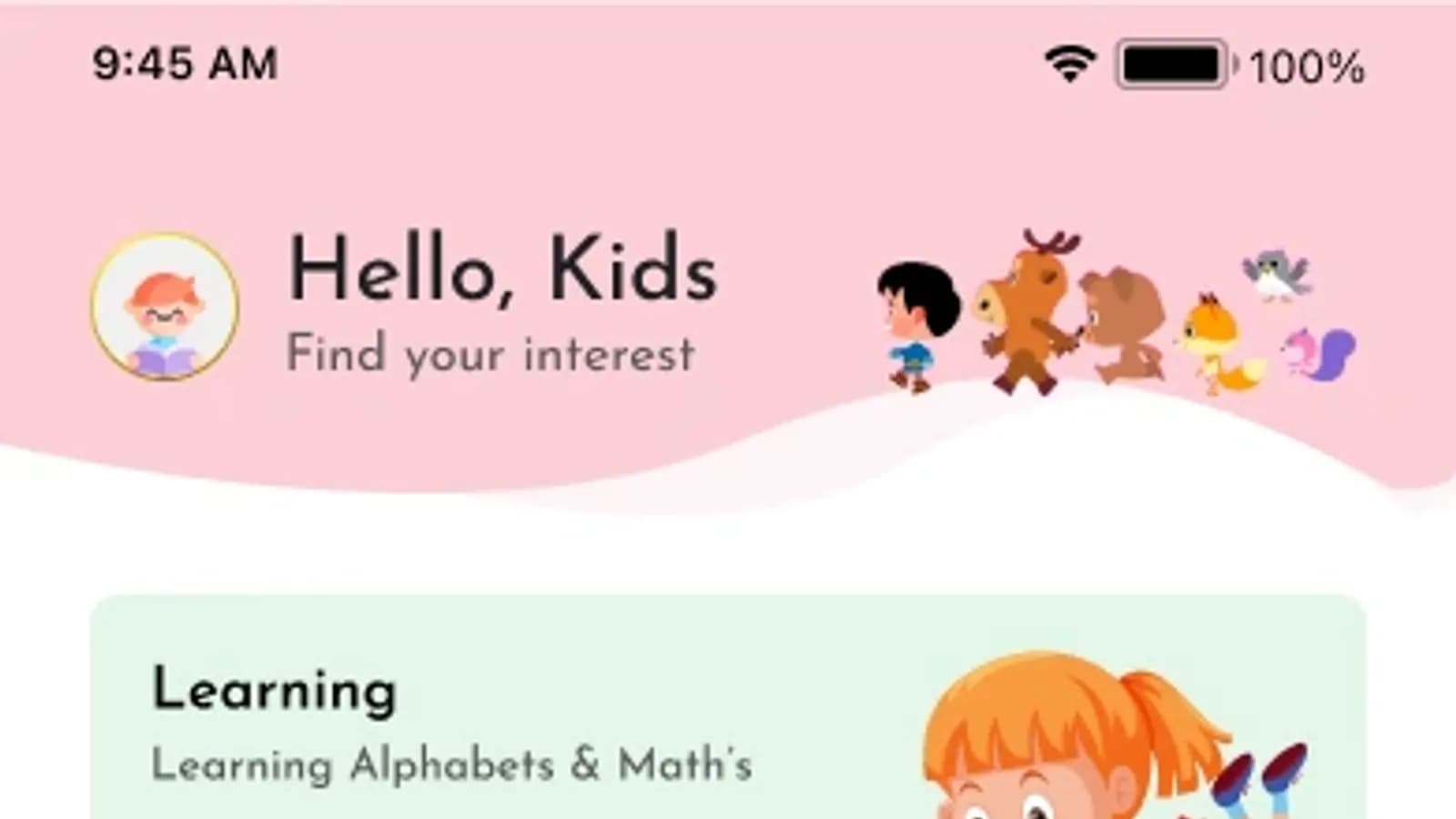
Adapting a ready-made UI kit is quicker than original design with user research, wireframes and a clickable prototype. Custom design pays for itself when the app is the product itself or competes for consumer attention. Apps for a very specific audience need particular care: Kids Planet, our learn-and-play app for children, is designed to be safe and engaging for young learners, and that requirement guides its design.
Testing and quality
Indian users run apps on a huge variety of phones, screen sizes and Android versions, often on patchy networks. Testing across representative devices, checking slow-network behaviour and re-testing after each change is real work, and quotes that leave it out are not cheaper — they just move the cost to after launch.
Store publishing and maintenance
Publishing requires developer accounts: Google Play charges a one-time registration fee and Apple charges an annual membership. Store review, listing content, screenshots and privacy declarations take effort too; see our answer on publishing on the Play Store and App Store.
After launch come server and third-party service costs that grow with usage, updates for new Android and iOS versions, security fixes and new features. Budget for maintenance from day one rather than treating launch as the finish line.
How to get an accurate quote
- Describe who the app is for and the three to five tasks they must be able to complete.
- Split features into a first version (MVP) and later phases.
- List the systems the app must connect to.
- Share rough sketches or apps you like, and say what you like about them.
- Ask for a written estimate listing features, platforms, milestones, testing and what is included after launch, so you can compare quotes like for like.
How does DCPL Technology price mobile app development?
We bill development from USD 12 per hour, or agree a fixed price for the project after a short scoping call where we go through your features and integrations. Hourly billing suits evolving products; a fixed price suits a well-defined first version.
The clearer your brief, the more accurate any estimate will be — from us or anyone else. To see what we build, visit our mobile app development page, and when you have a feature list, even a rough one, book a short scoping call and we will help you separate the first version from the later ones.